AI Image Editor
Edit with AI precision — transform, enhance, and refine your images with speed and control.
Click or drag to upload a reference image
0/4
Pro Tip
Be specific about style, colors, mood, and details for best results
What is AI Image Editor?
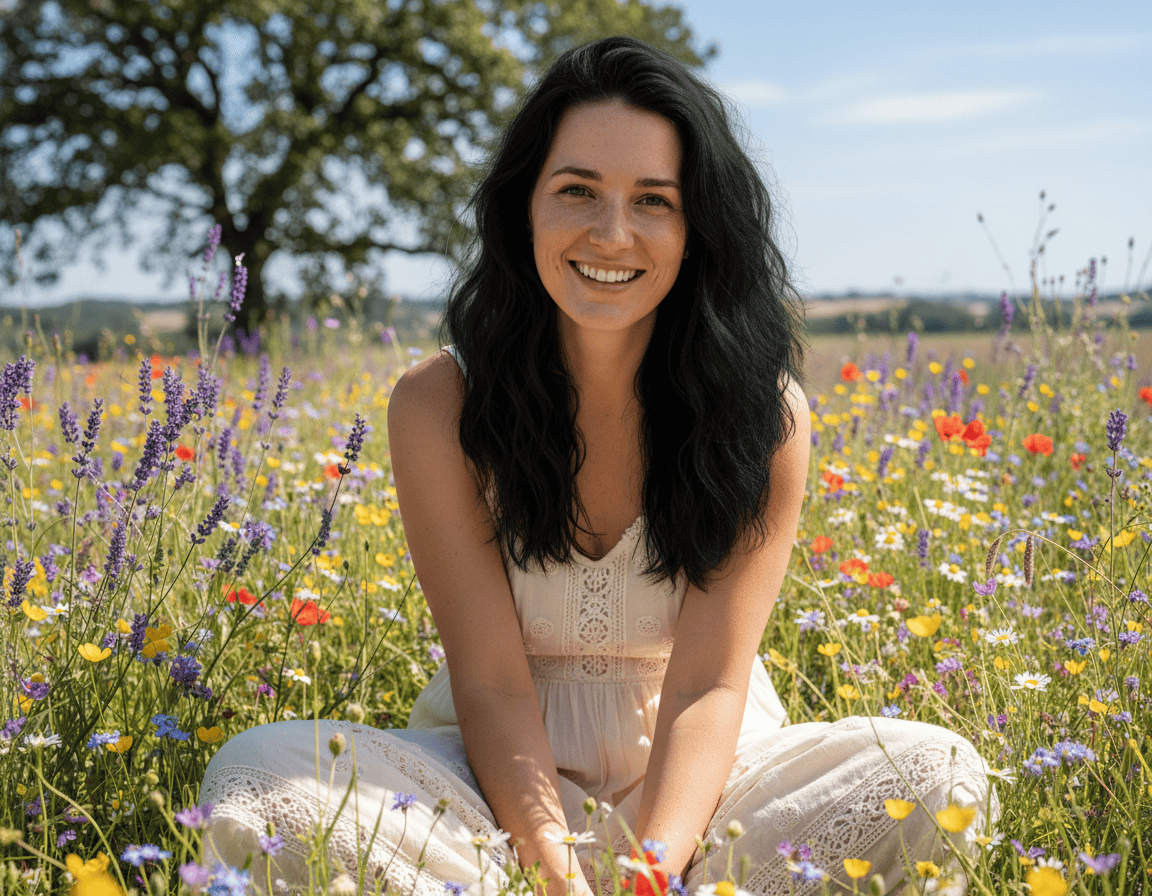
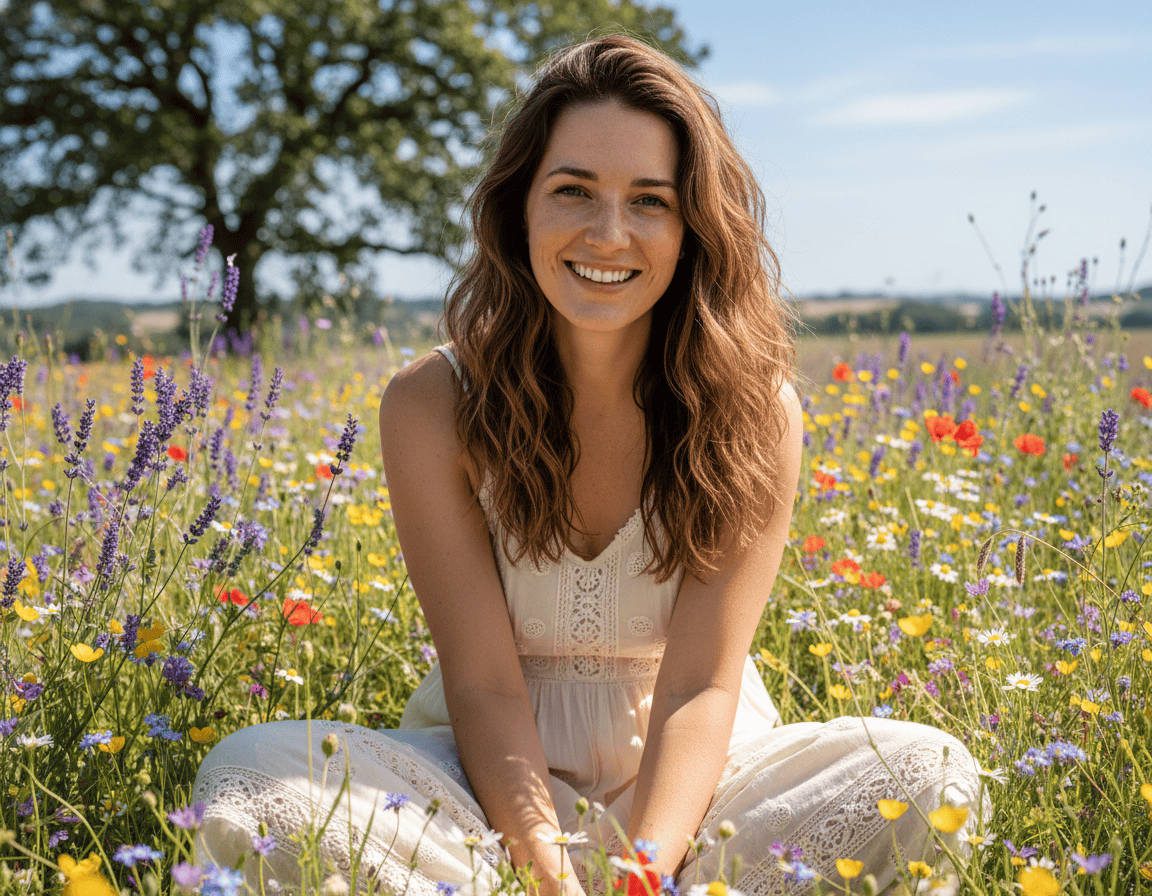
AI Image Editor is an AI-powered photo editing tool that simplifies common and advanced editing tasks. It combines automated image processing with intuitive text-based instructions, allowing you to apply complex edits without traditional editing software. You can remove unwanted objects, replace backgrounds, improve lighting and colors, resize images, or enhance clarity — all through guided AI assistance. Instead of manually masking and adjusting layers, you describe the change and the system applies it intelligently based on image context. It’s designed to reduce editing time while maintaining natural visual consistency.
Why Choose Our AI Image Editor?
Smart Object Removal
Remove unwanted objects, people, text, or distractions from your images. The AI analyzes surrounding pixels and fills the selected area to maintain visual continuity. Results are clean and natural in most standard scenarios.
Intelligent Enhancement
Improve brightness, contrast, color balance, and sharpness with AI-assisted adjustments. The tool enhances overall clarity while preserving image details.
Precise Editing Control
Apply targeted edits that respect lighting, shadows, and composition. Instead of blunt adjustments, the system considers surrounding elements to produce balanced results with minimal artifacts.
How to Use AI Image Editor
Upload Your Image
Select the photo you want to edit from your device. Supports all common image formats including JPG, PNG, and WebP.
Describe Your Edits
Enter simple text instructions such as “remove the person in the background,” “brighten the image,” or “change the background to a beach.” Clear instructions produce more accurate results.
Download Result
Preview the edited version, refine your request if necessary, and download the final image once you’re satisfied.
What Our Users Say
"This editor has significantly reduced my post-processing time. The object removal works well for most of my photos and saves manual retouching."
Rachel Green
Photographer
"Perfect for cleaning up product photos. I can remove backgrounds and enhance images in seconds, making our listings look much more professional."
Tom Anderson
E-commerce Manager
"The AI understands exactly what I want to change. It has made editing images for social media posts so much faster and easier."
Nina Patel
Social Media Manager
"I use this to enhance property photos before listing. The color correction and lighting adjustments make every photo look professionally shot."
Chris Martinez
Real Estate Agent
"The background changing feature is a game-changer. I can create different looks for my photos without reshooting everything."
Sophie Laurent
Fashion Blogger
"Our team uses this daily for campaign materials. The quality is consistently excellent and the speed is unbeatable."
Alex Kim
Marketing Director
Frequently Asked Questions
What types of edits can the AI Image Editor perform?
Our AI Image Editor supports a wide range of photo editing tasks, including object removal, background replacement, color correction, image enhancement, cropping, and resizing. Instead of manually adjusting layers or masks, users can simply describe the desired change, and the AI will apply intelligent edits automatically, making it easier to improve images for social media, marketing materials, or online content.
Will the edited images look natural?
Yes. The AI analyzes surrounding pixels, lighting conditions, and textures to ensure that edited areas blend naturally with the original image. Whether removing objects or adjusting colors, the system aims to maintain realistic tones and visual consistency so that the final image looks clean and professional rather than overly processed.
Can I undo changes if I do not like them?
Yes. The editing process is flexible and non-destructive, meaning your original image remains unchanged until you download the final result. If you are not satisfied with an edit, you can adjust your instructions and generate a new version, allowing you to experiment with different edits before choosing the final image.
What is the maximum image size I can edit?
Free users can edit images up to 4K resolution, which is suitable for most web and social media uses. Premium users can work with images up to 8K resolution, making it possible to edit high-quality photos for professional projects such as marketing materials, design assets, or large-format visuals.
How accurate is the object removal feature?
The AI object removal feature is designed to intelligently remove unwanted elements while reconstructing the background using nearby visual information. It works especially well for removing small objects, distractions, or blemishes, helping users quickly clean up photos without spending time on complex manual retouching.
Can I batch edit multiple images at once?
Yes. Premium users can use batch editing to apply the same adjustments across multiple images simultaneously. This is particularly useful for e-commerce stores, marketing teams, and content creators who need to process large image sets while maintaining consistent visual quality.
Does editing reduce image quality?
No. The AI editing process is designed to preserve the original image resolution and detail. In many cases, enhancement features such as sharpening, noise reduction, and color optimization can even improve the overall clarity and visual quality of the image.
Can I use this for professional work?
Yes. Many professionals use AI Image Editors to speed up everyday editing tasks such as background cleanup, lighting adjustments, and quick image enhancements. It is especially useful for marketing visuals, product photos, blog images, and social media content where fast, high-quality edits are required.
Transform Your Images Today
Experience the power of AI-driven photo editing. Start creating professional-quality images in minutes.