AI Image Extender
Expand images beyond their original borders — AI continues the scene with natural extensions.
Click or drag to upload a reference image
0/1
Pro Tip
Be specific about style, colors, mood, and details for best results
What is AI Image Extender?
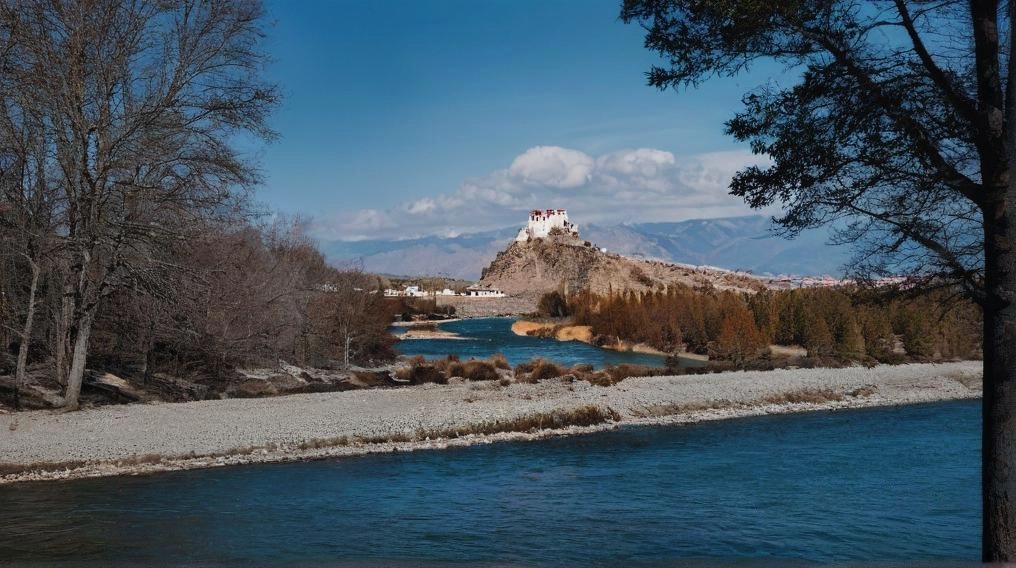
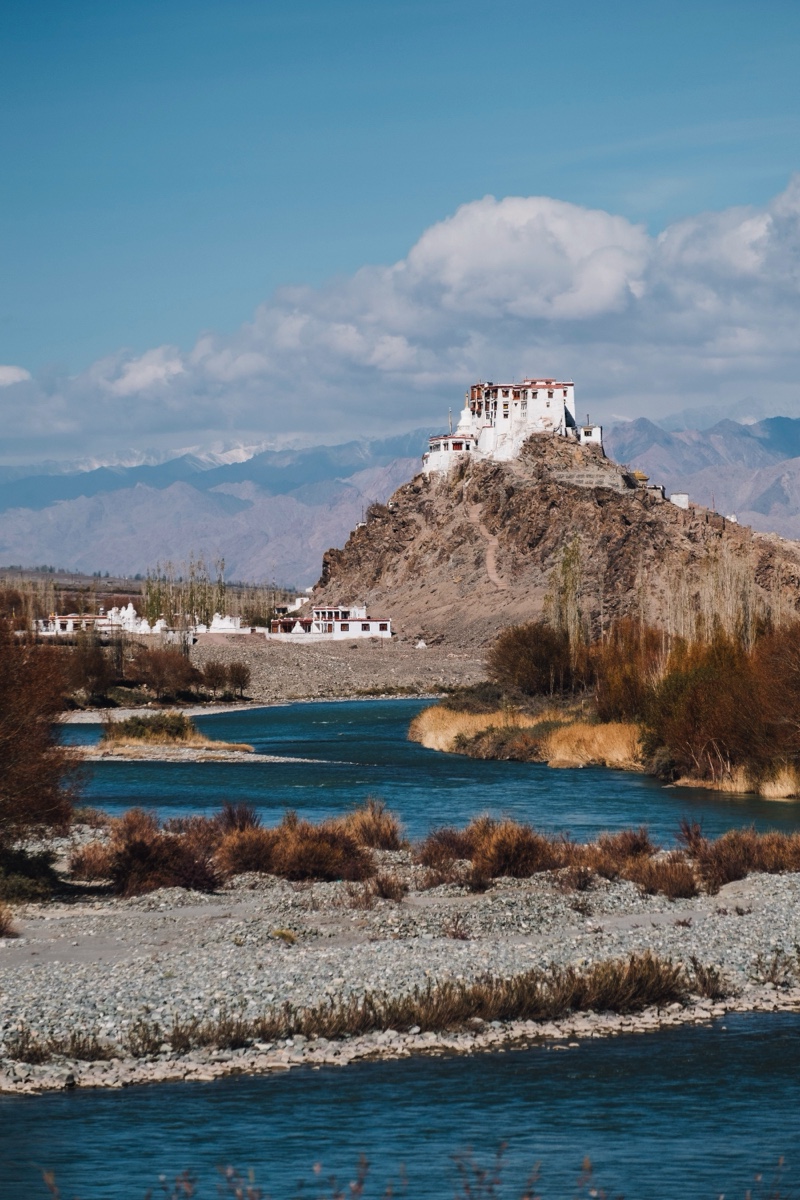
AI Image Extender is an AI-powered tool that expands images beyond their original edges by generating new visual content that blends naturally with the existing scene. Instead of stretching or distorting the image, the system analyzes lighting, perspective, textures, and composition to extend the background in a realistic way. This makes it easy to adapt images to different formats, create wider compositions, or add extra space for layouts, banners, and social media designs — all while keeping the image visually consistent.
Why Choose Our AI Image Extender?
Seamless Extension
The AI analyzes the original image’s lighting, perspective, colors, and textures to generate new content that blends smoothly with the existing scene, helping the extended areas look natural and consistent.
Multi-Direction Support
Extend images in any direction — up, down, left, right, or across multiple sides at once. This flexibility allows you to easily adjust images to fit different aspect ratios or layout requirements.
Context-Aware Expansion
The AI understands common visual contexts such as landscapes, portraits, interiors, product photos, and illustrations, allowing it to generate extensions that align with the original composition.
How to Use AI Image Extender
Upload Image
Select the image you want to extend from your device. The tool supports common image formats and prepares the image for expansion.
Choose Direction
Decide which edges of the image you want to extend and adjust the desired size or aspect ratio depending on your project needs.
Download Extended Image
The AI generates the expanded image and blends the new areas with the original scene. Once ready, you can preview and download the final version.
What Our Users Say
"Perfect for adapting visuals to different channel formats. The extensions look natural and save me time when resizing images for campaigns."
Michael Zhang
Social Media Manager
"This tool helped me expand a cropped hero image so it could fit a large billboard layout without looking stretched."
Sophie Laurent
Art Director
"The AI handles landscape extensions surprisingly well. The new areas match the scene and composition very naturally."
Ahmed Hassan
Photographer
"No more struggling with awkward crops. I can quickly adjust images to match different layouts or social media formats."
Jessica Brown
Content Creator
"Great for website hero sections. It gives me extra background space without redesigning the whole image."
Raj Kumar
Web Designer
"We use this regularly when adapting campaign visuals to different banner sizes and marketing channels."
Maria Gonzalez
Brand Manager
Frequently Asked Questions
What is AI Image Extender?
AI Image Extender is a tool that enlarges an image by generating new visual content around the existing edges. Instead of stretching the original pixels, the system analyzes the image and creates new background elements that blend naturally with the scene.
How does it generate new content?
The AI analyzes the original image’s colors, lighting, textures, and visual structure. Using this information, it predicts and generates new pixels that extend the surrounding environment in a way that matches the existing composition.
Can I extend in all directions?
Yes. You can extend the image from any side — top, bottom, left, right, or multiple sides simultaneously — depending on the layout or aspect ratio you want to achieve.
Will the extended area match the original?
In most cases, the AI generates extensions that blend smoothly with the original image. The system attempts to match lighting, textures, and patterns so the new areas appear visually consistent.
What aspect ratios can I create?
You can adjust the final size or aspect ratio based on your needs, such as square images, vertical formats for social media, or wide banners for websites and presentations.
Can it extend portraits and landscapes?
Yes. AI Image Extender works with a variety of image types, including portraits, landscapes, product photos, digital illustrations, and other visual content.
How much can I extend an image?
Images can typically be expanded up to several times their original canvas size, depending on the resolution and complexity of the image.
Can I control what gets generated?
Yes. Some versions allow you to provide prompts or guidance to influence the type of background or texture generated in the extended areas.
Ready to Extend Your Images?
Go beyond the frame with AI-powered extensions that keep your photos natural.